


How It Works
The Best Move helps you make better food decisions based on what is happening right now -
your day, your movement, and what is actually in front of you.
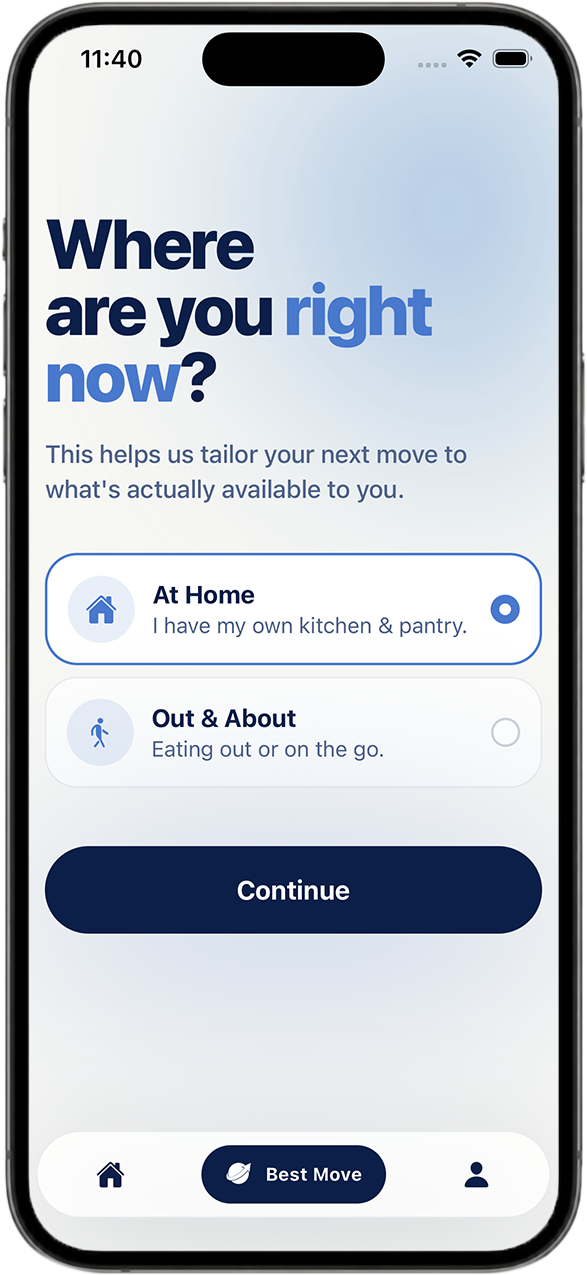
Start with your situation.
Tell the app where you are - at home, at work, at a restaurant, on the go, or wherever food is in front of you.
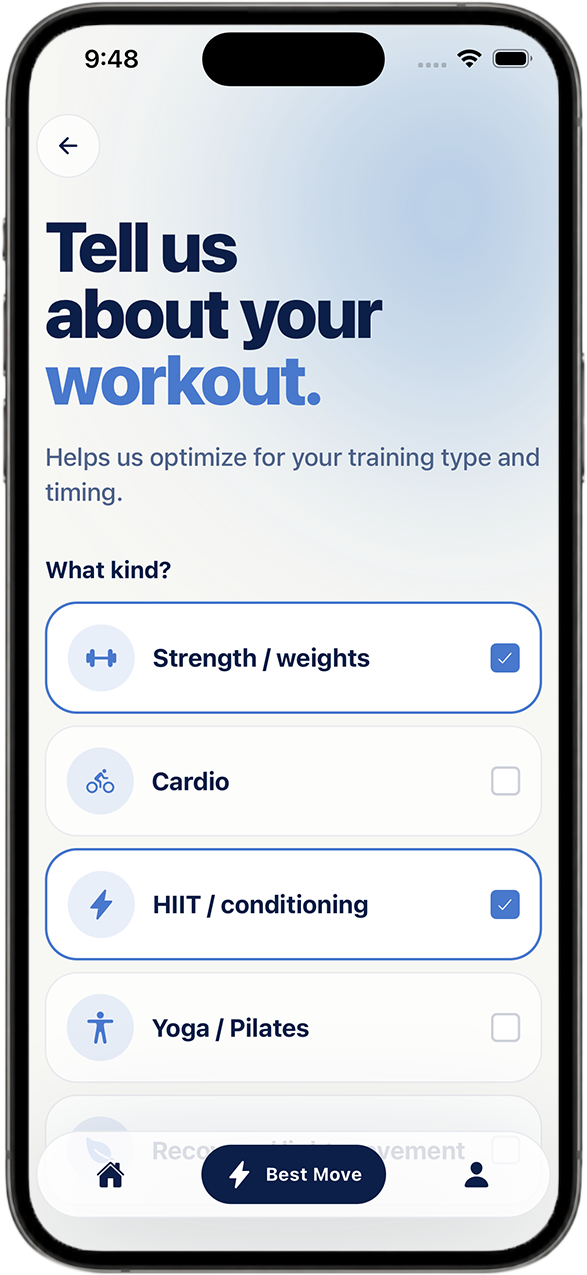
Add your day.
Choose what your movement looks like, whether it’s training later, already trained, recovery, or not training today. You can also add curveballs like poor sleep, alcohol, overeating, or a late night.
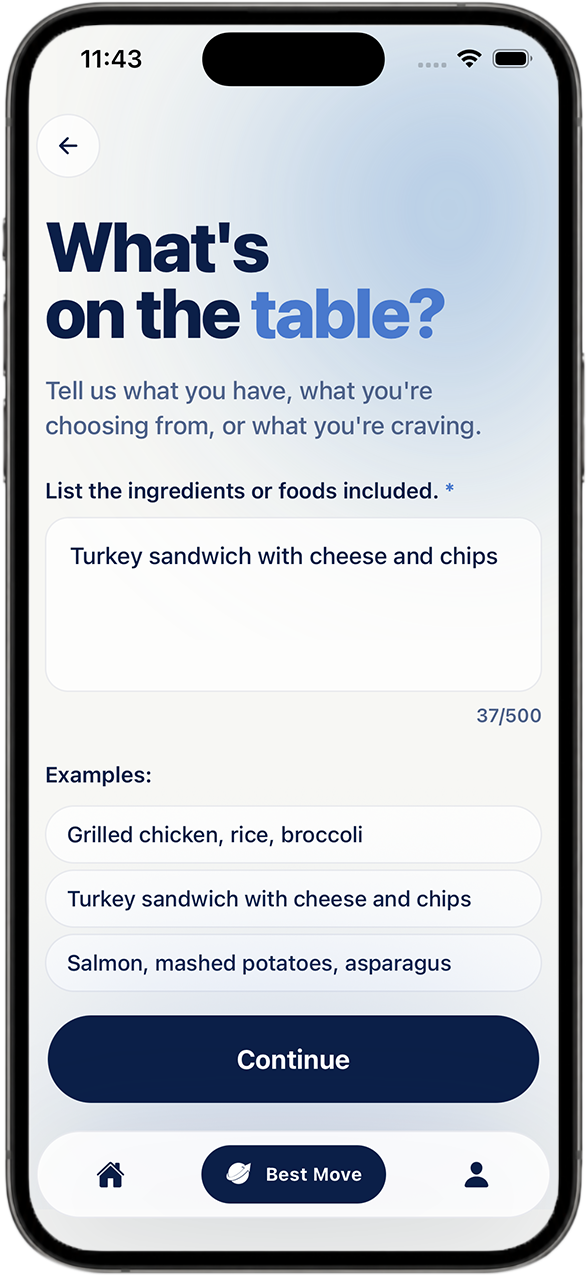
Type what you are working with.
Enter ingredients or what’s on a menu in normal language, like “chicken, rice, and broccoli,” “eggs, spinach, and feta,” or “the kale Caesar salad, grilled salmon, chicken.” No weighing, measuring, or calorie logging needed.
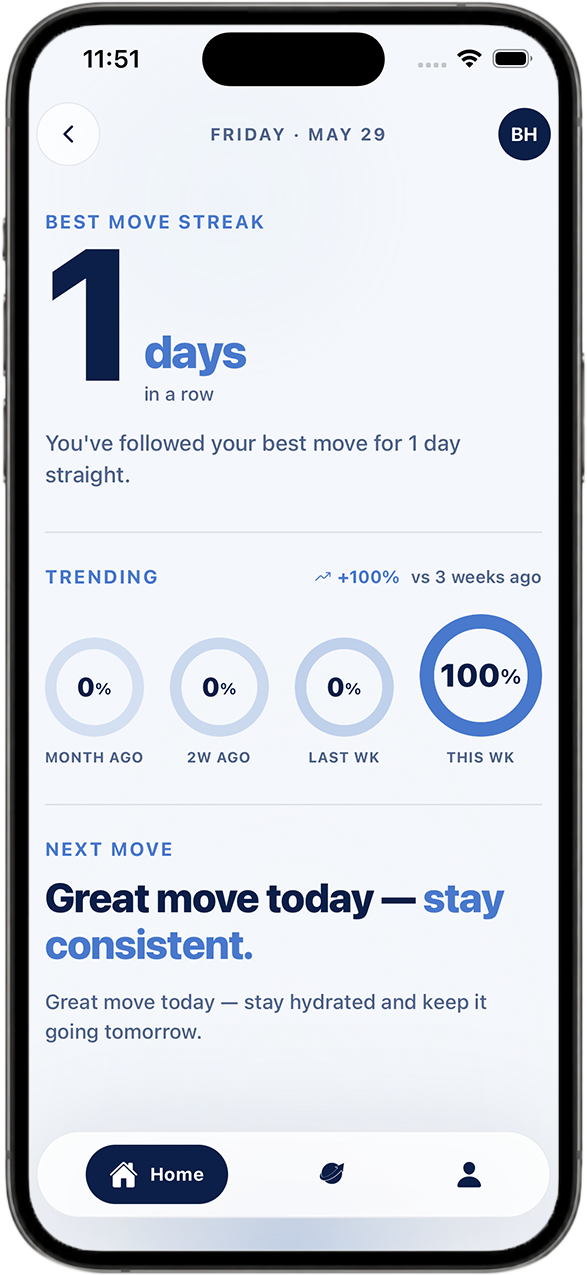
Get your Best Move.
The app gives you a clear Best Move, a short Why This Works, and a simple Next Move so you can stop overthinking and move on with your day.